

























Paraşüt Integration
Connect your Paraşüt account to Pixa and manage orders, invoices, customer accounts and products in one panel.
Start freeThe accounting is in Paraşüt, the operation is in Pixa. Every step from order to invoice runs from one panel.

Order transfer.
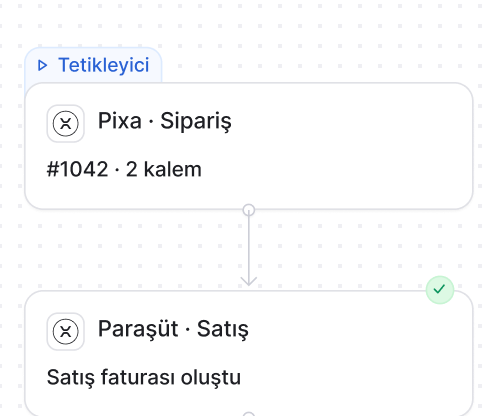
The order is transferred to Paraşüt with its lines, the customer account is matched and a new customer is created automatically.
Automatic invoicing.
When the order reaches the stage in your rule, an e-invoice or e-archive invoice is issued in Paraşüt.
Invoice link to the channel.
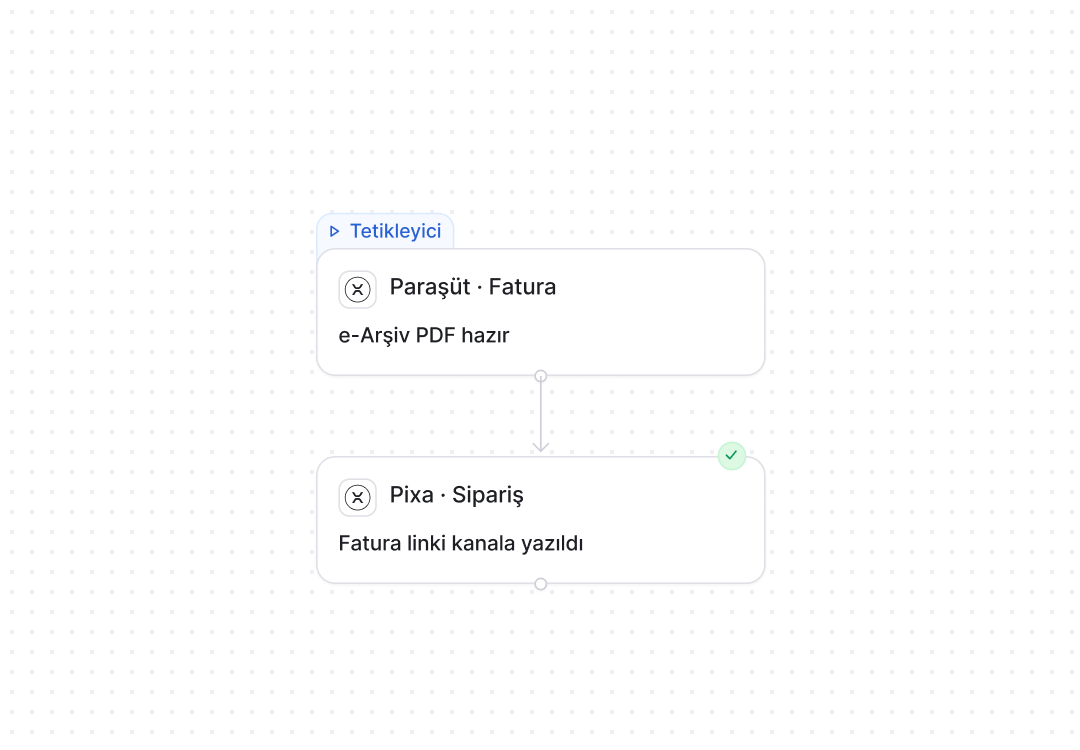
The invoice link is written to the order and passed to the sales channel, where the customer downloads it.

Credit notes.
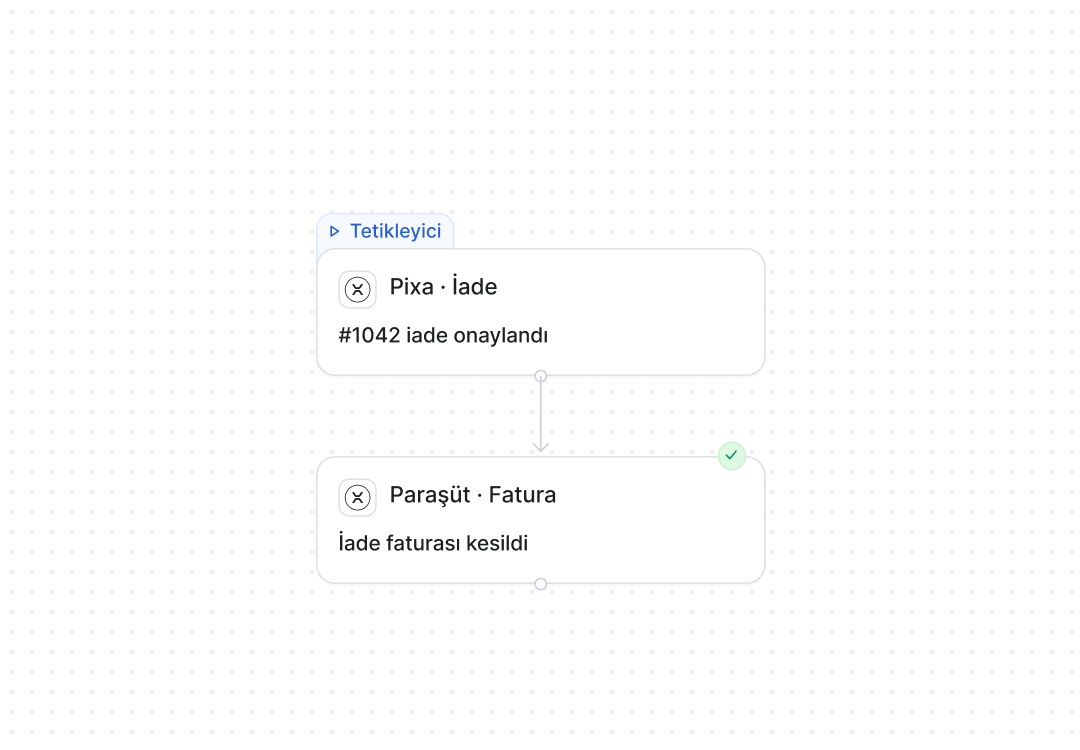
On a cancellation or return a credit note is issued or the e-archive invoice is cancelled, and the balance is updated.
Product matching.
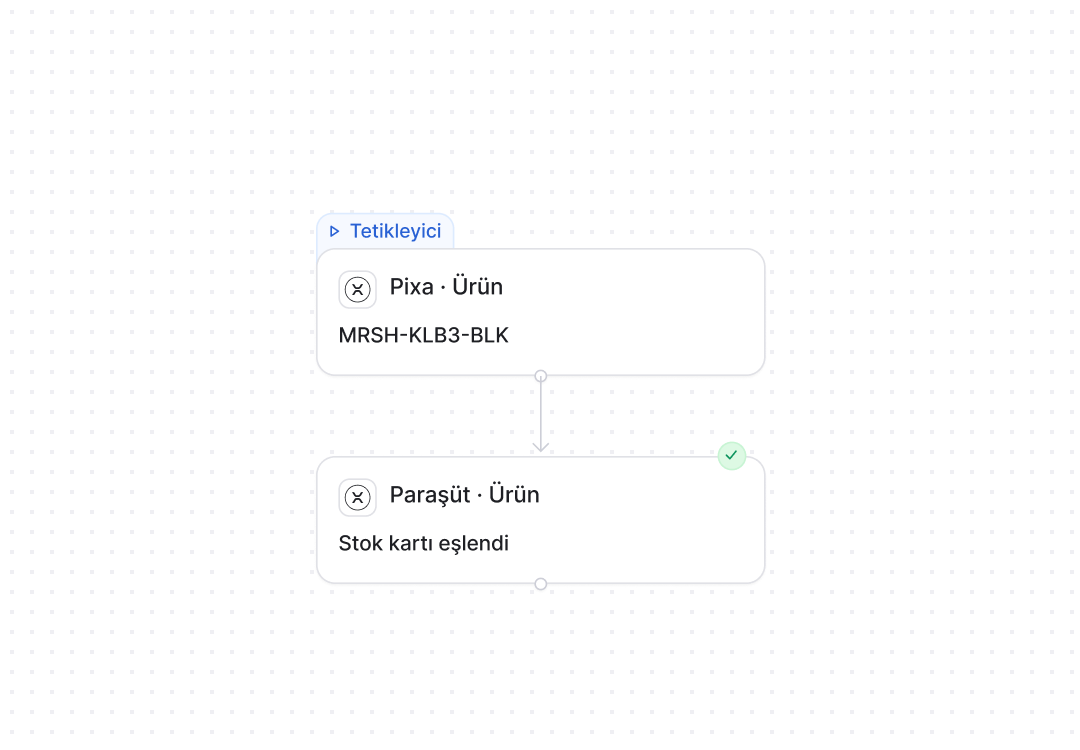
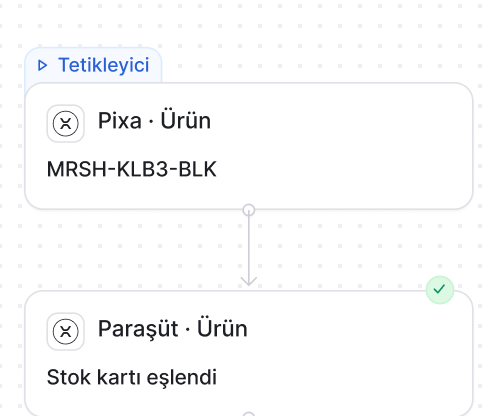
Paraşüt products are matched to Pixa records by barcode and SKU, and a new product is sent to Paraşüt.
Payments and delivery notes.
A payment is recorded as a receipt, and the delivery note is written to Paraşüt when the parcel is handed to the carrier.
Paraşüt automations. Order, invoice, customer and product flows are set up in the panel, and Pixa runs them.
A live automation in three steps. Choose it. Configure it. Connect it.
Choose it from the list.
Prebuilt automations are chosen from a list; nothing is built from scratch.
Set the rule in one panel.
You choose the trigger, the condition and the timing on one screen, and the rule starts working for Paraşüt invoices the moment you save it.
One channel, or all of them.
The same rule applies to orders from the channel you choose or to every channel, and a new channel joins its scope automatically.
Your accounting, connected.
Paraşüt, BizimHesap, QNB eFinans, Digital Planet, Trendyol e-Faturam and Hepsiburada e-Faturam, all from one panel.
All integrations →






































































Trust is built in. Defined permissions. Prebuilt setups. Traceable actions.

Role-based permissions.
Each user only sees and changes what they are authorised for.

Prebuilt setups.
Proven setups work from day one, with nothing to build from scratch.

Every action is logged.
Who made each change, when and why is on record.
Three details specific to Paraşüt. Rules, accounts, e-documents.
The invoicing rule is yours.
You choose which channel invoices at which stage: Ready, Shipped or on manual approval.
Accounts create themselves.
Customer details are read from the order; the account is created if it doesn’t exist and matched by tax number if it does.
e-Invoice and e-archive.
A registered buyer gets an e-invoice and everyone else an e-archive invoice, with the registration check run automatically.
Paraşüt automations. The rule is yours, the steps are Pixa’s.

When the order reaches the stage in your rule, an e-invoice or e-archive invoice is issued in Paraşüt and its number is written to the order.
How it works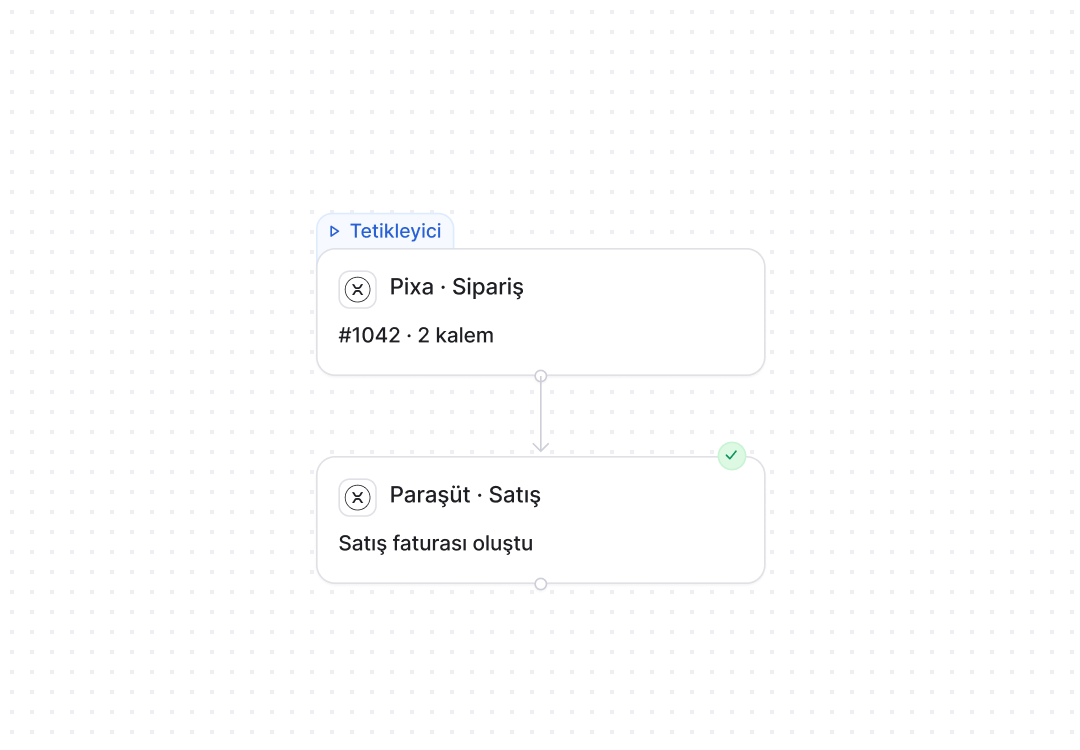
Frequently asked
questions
Choose Paraşüt in the Market and grant access to your account; accounts and products are matched by barcode and SKU.
According to your rule: when the order reaches Ready, Shipped or manual approval, it is issued in Paraşüt.
The buyer’s registration is checked automatically: registered buyers get an e-invoice, everyone else an e-archive invoice.
Yes. Customer details are read from the order, the account is created if missing and matched by tax number if it exists.
Yes. The link is written to the order and passed to the sales channel, where the customer downloads it.
A credit note is issued or the e-archive invoice is cancelled, and the balance is updated.
By barcode and SKU. A new product created in Pixa is sent to Paraşüt.
Each company connects as its own channel with its own Paraşüt account, and the invoicing rule is set per company.