























Shopify Integration
Connect your store to Pixa and manage orders, stock, pricing and product records in one panel.
Start freeThe store is on Shopify, the operation is in Pixa. Every step from order to shipment runs from one panel.
 TrTrendyol48
 HeHepsiburada48
 AmAmazon48
 ShShopify48
Stock sync.
Stock is managed from one source, and a sale on Shopify updates stock on every channel.
Order sync.
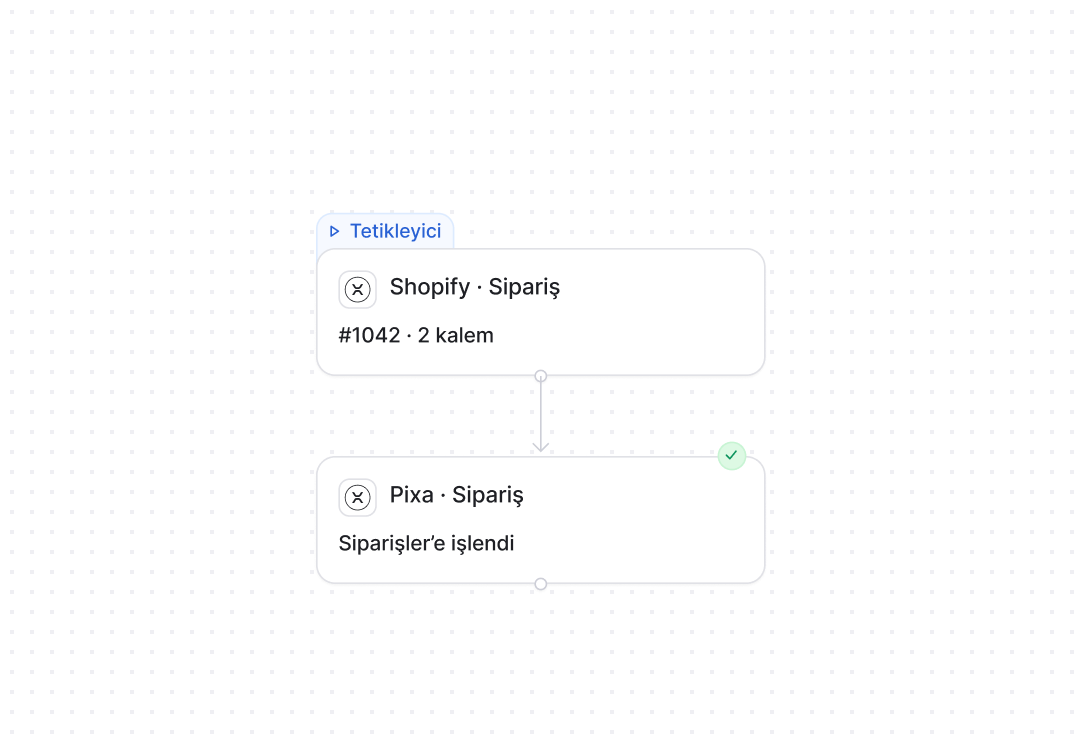
Shopify orders are pulled into Pixa, and cancellation, shipping and delivery statuses are written back to the store.
ShopifyProduct record sync.
Product name, description, images and price are matched both ways between Pixa and Shopify.
TrHeAmShProduct listing.
Products in Pixa are sent to Shopify in one operation, matched by SKU and barcode.
Shipping.
The label and tracking number are produced in the panel and written to Shopify automatically.
Hepsiburada · customer questionStore Q&A.
Questions from your store are answered in your name with AI.
Shopify automations. Product, stock, price, order and invoicing flows are set up in the panel, and Pixa runs them.
A live automation in three steps. Choose it. Configure it. Connect it.
Choose it from the list.
Prebuilt automations are chosen from a list; nothing is built from scratch.
Set the rule in one panel.
You choose the trigger, the condition and the timing on one screen, and the rule starts working for Shopify the moment you save it.
One channel, or all of them.
The same rule applies to Shopify alone or to every connected channel, and a new channel joins its scope automatically.
Whatever platform you run on, it connects.
Shopify, ikas, Ticimax, T-Soft, İdeasoft, WooCommerce and others connect to Pixa without changing your storefront.
All integrations →



















































































Trust is built in. Defined permissions. Prebuilt setups. Traceable actions.

Role-based permissions.
Each user only sees and changes what they are authorised for.

Prebuilt setups.
Proven setups work from day one, with nothing to build from scratch.

Every action is logged.
Who made each change, when and why is on record.
From setup to invoicing. Connected in ten minutes, with invoicing and pricing flowing too.
Connected in ten minutes.
You pick it in the Market and authorise the store; products are pulled in and matched by barcode.
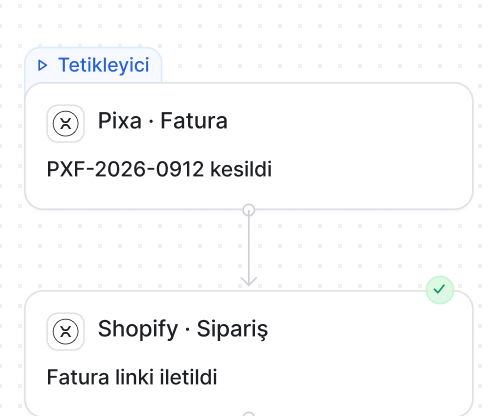
The invoice goes to the channel.
The invoice for an order sent to accounting is delivered to the store, where the customer can see it.
Pricing from one place.
The channel price is set by rule in Pixa and updates in the store on its own when it changes.
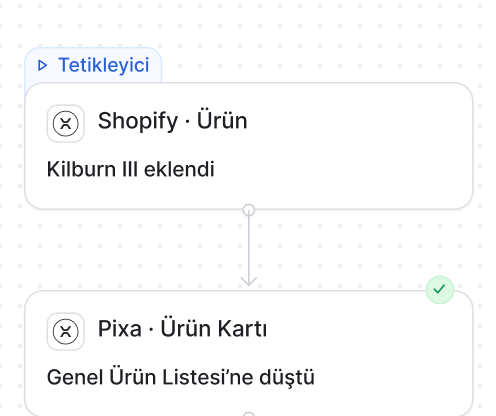
Shopify automations. The rule is yours, the steps are Pixa’s.

Stock changes reach Shopify locations every fifteen minutes, and the full catalogue is reconciled each night.
How it works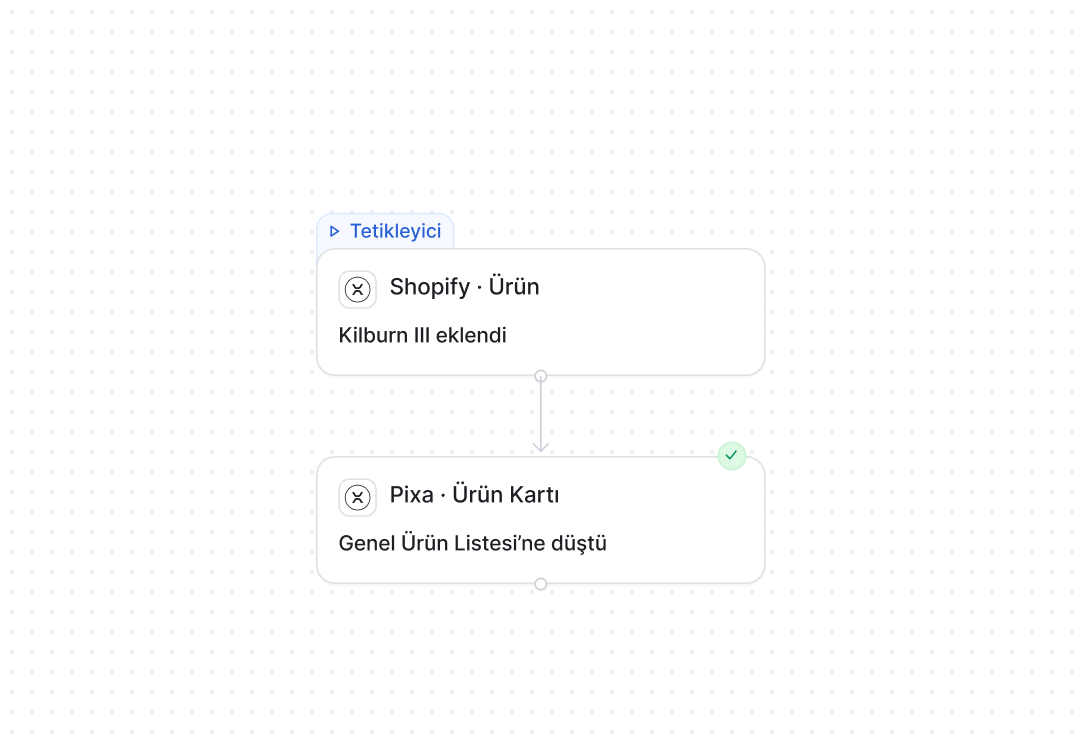
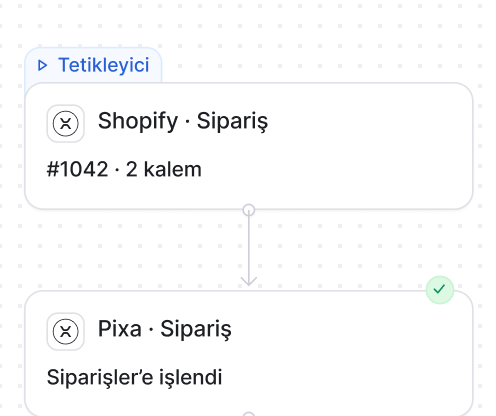
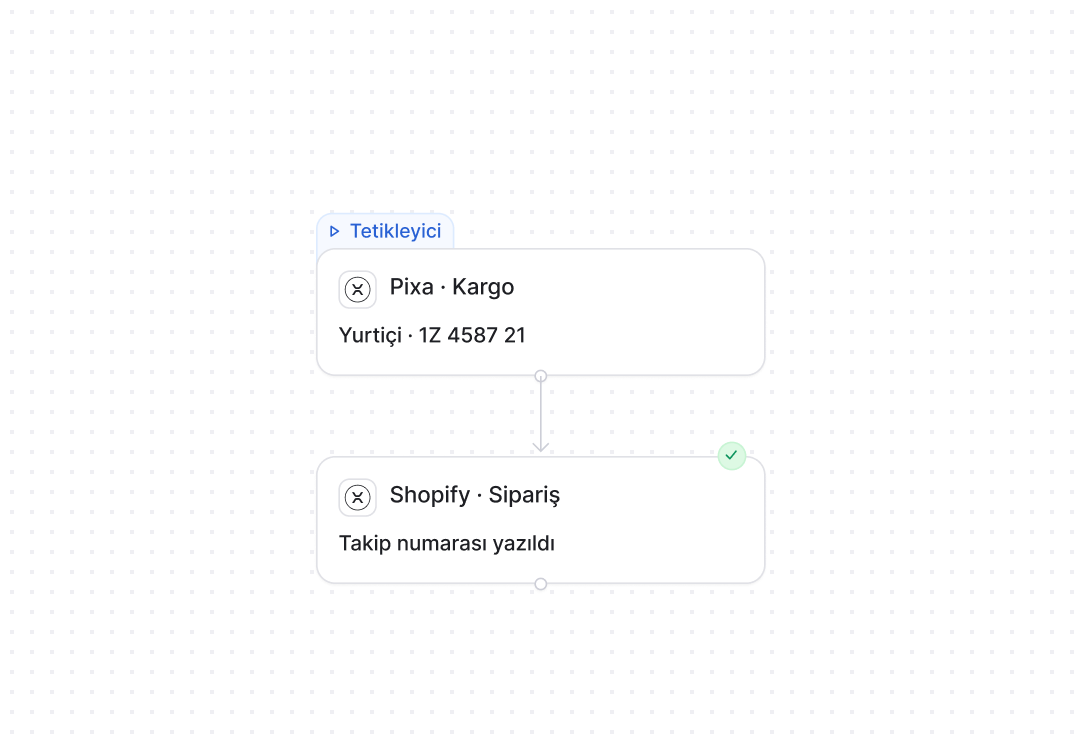
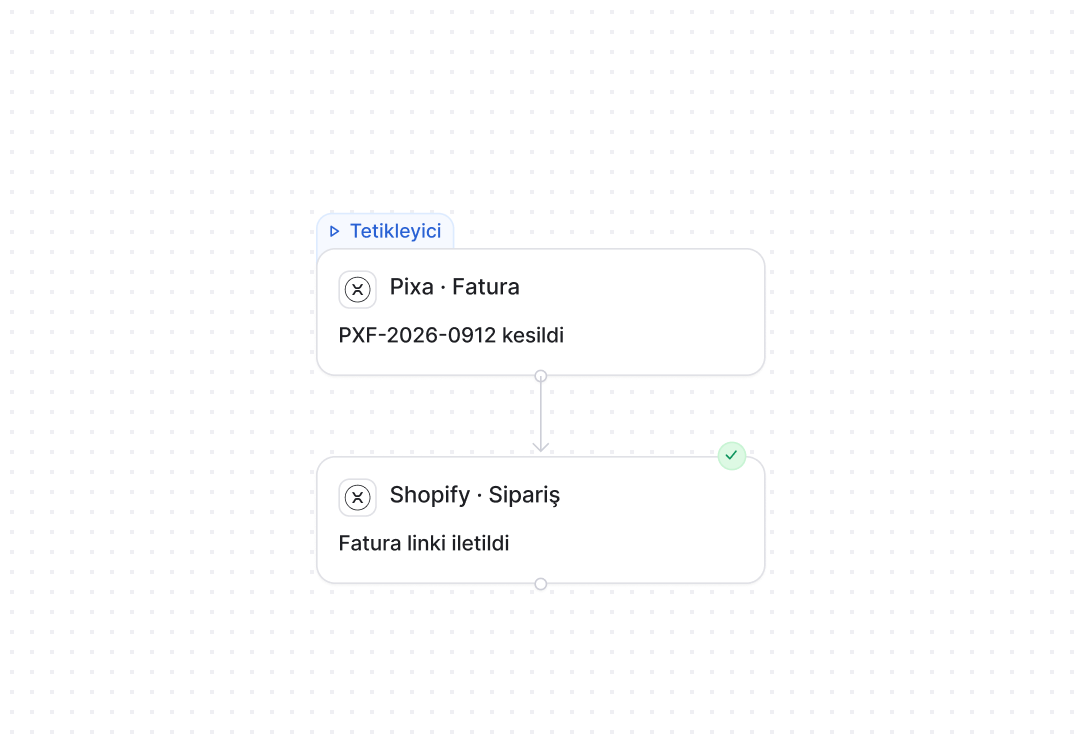
Frequently asked
questions
Install the Pixa app from your Shopify admin and grant access; the connection is made in minutes. Products, stock and open orders arrive with the first import.
No. Shopify connects within your plan’s channel allowance, and there is no per-integration charge.
Stock and price changes made in Pixa go to Shopify immediately, and stock deducted by orders on other channels is written to Shopify through the same flow.
Yes. Shopify orders appear in the same list as marketplace and other store orders, and preparation, shipping and invoicing all run from one place.
Every variant such as colour and size is matched exactly to the Pixa product record, and stock and price are managed per variant.
Each store connects as its own channel and counts against your plan’s channel limit, while the shared catalogue is managed from one place.
With the invoicing automation switched on, a Shopify order is sent to your accounting system at the status you choose and the invoice is issued, with its number written back to the order.
Disconnecting leaves your Shopify data untouched, and your Pixa records are kept for the life of your plan. You can reconnect whenever you like.