
























The ERP stays the source. Your channels are fed from Pixa.
Products come from the ERP.
A product created in your ERP lands in Pixa, and its images, variants and price come the same way.
Orders go to the ERP.
An order reaches your ERP the moment it arrives; the customer account is found or created and the number is written to the row.
Invoices are issued in the ERP.
Once the order reaches the ERP its invoice is issued there, and the e-invoice number comes back to Pixa.
ERP connection in three steps. Connect, map, set the direction.
Connect your ERP.
Choose your ERP in the Market and enter the connection details; we run the setup with you if you prefer.
Map the definitions.
Customer accounts, ledger codes, VAT classes, warehouses and the province list are pulled from the ERP, mapped once, and run on their own after that.
Set the direction.
Whether products, stock and prices come from the ERP or Pixa, and whether orders go instantly or in batches: every flow has its own switch.
Didn’t it reach the ERP? The reason is on the row.

ERP number and error.
Every order shows its ERP number, and an order that failed to transfer is flagged with the reason.

Resend the failed ones.
Once the definition is fixed, Send Failed Orders re-transfers all of them in one operation.

Invoice transfer analysis.
Received, transferred, invoiced and not-yet-invoiced orders all appear in one list.
One truth, two systems. Stock, price and returns show the same result in both.
Stock comes from the ERP.
ERP stock is pulled on a schedule, every 30 minutes with Nebim, and a sale deducts stock in the ERP too.
Prices come from the ERP.
The price list arrives from the ERP daily and whenever it changes, and the per-channel difference comes from the rule in Pixa.
Returns go to the ERP.
A cancelled order is removed in the ERP and a credit note is issued for a return, so the two systems stay identical.
Let your ERP and your e-commerce run on the same data.
Try it free for 14 days; we don’t ask for payment details.
The ERP flow runs itself. Products, stock, orders and errors under one rule.

A product created or changed in the ERP is pulled into Pixa, with images, variants and price coming in the same job.
How it worksYour whole stack, connected.
Nebim V3, Logo, Mikro, Dia, Canias and the other systems your team works in.
All integrations →




































































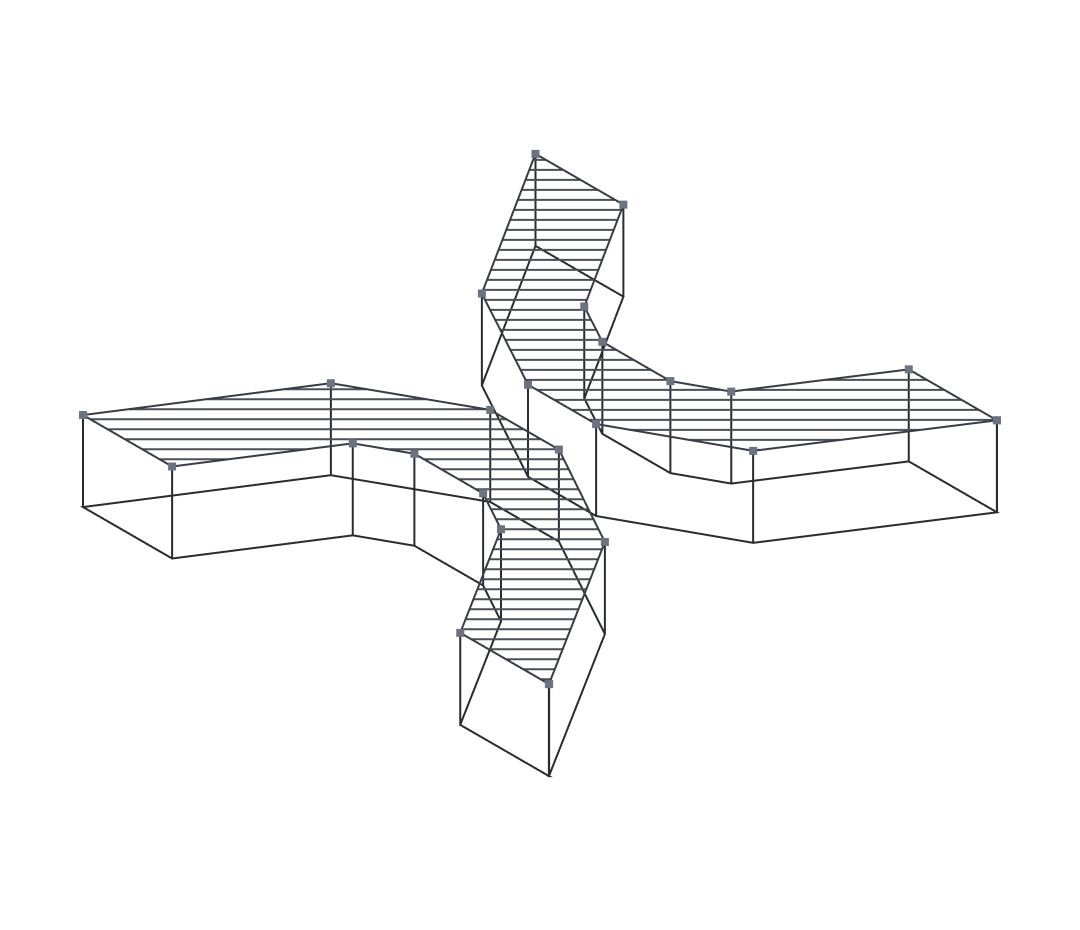
The ERP is Pixa’s source of truth. Products and stock come from it; orders and invoices go back to it.
Start freeNew features every week. The roadmap follows what our customers’ operations actually need.
See all →Ecza1 mağazanızı Pixa'ya bağlayın, ürün, stok, fiyat ve siparişlerinizi tek yerden yönetin.
Ciro, ürün ve kârlılık analizleriniz tek ekranda; her tabloyu Excel'e alın.
Ürün fotoğrafınızdan sanal modelli ve lifestyle görseller üretin.
Alibaba.com mağazanızı Pixa'ya bağlayın, sipariş ve stoğu tek yerden yönetin.
Stay ahead in operations.
Product updates in your inbox.
Frequently asked
questions
There are ready connections for Nebim V3, Logo (Tiger, GO, Cloud), Mikro, Dia, Canias and GİZ ERP; SAP is connected as a project.
Create them in the ERP. The record arrives in Pixa, where the channel title, description and category mapping are completed.
The moment it lands if Send Instantly is on; otherwise on a schedule, for example every 40 minutes with Mikro.
Read the error on the row, usually fix the customer account or the province mapping, and re-transfer with Send Failed Orders.
The ERP does. The e-invoice number and link are written to Pixa and from there to the marketplace.
Request Setup and we run it with you; the ERP connection fee is included in the module.
Stock is managed from one source. If the ERP is the source, a change made in Pixa is overwritten by the ERP value on the next pull.
As an add-on in Lite, Pro and Advanced, charged monthly.