

























Connect. Build. Scale.
Connect products, stock, orders, shipping and invoices to your own systems over a REST API, with JSON, pagination and real total counts.

Connect Pixa to everything. Full read and write access from products and variants to bin-level stock, from orders to invoices, with keys locked to your account.
Read the docs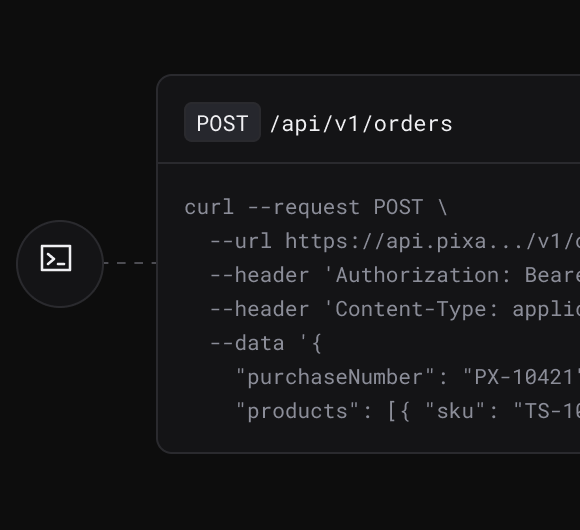
Create, update and list records; every response returns success, data and the real total.
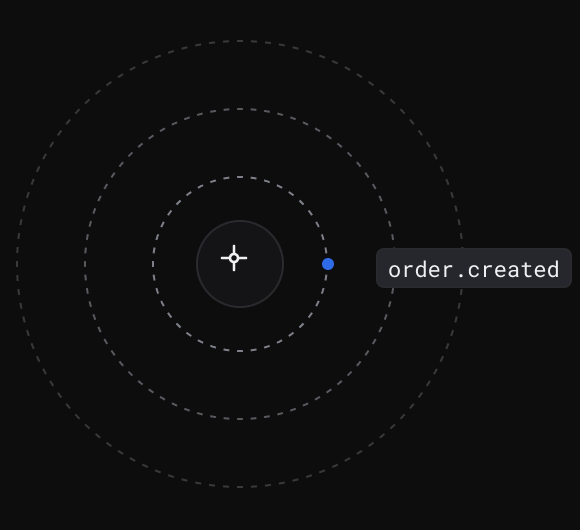
Trigger marketplace jobs: push stock and prices, pull orders, match products.
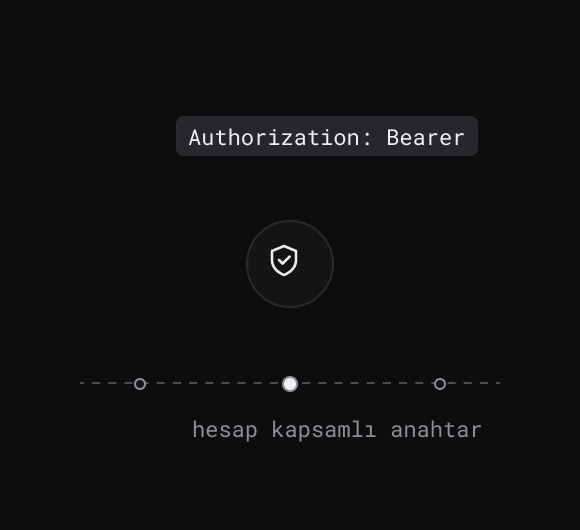
Account-scoped keys, with a separate scope for writes. Credentials are masked in responses.
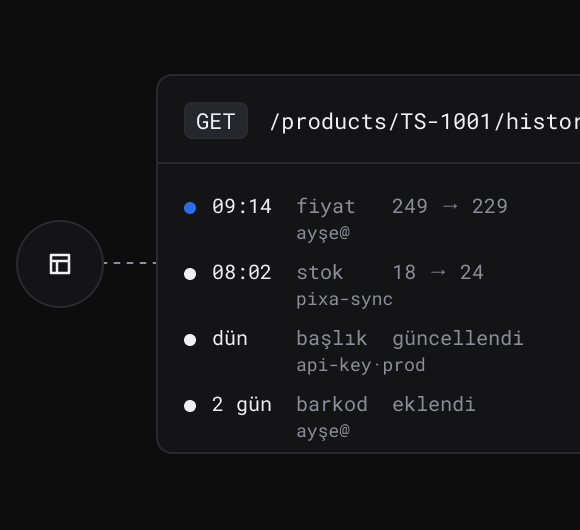
Stock and price movements and product change history: who changed what, and when.
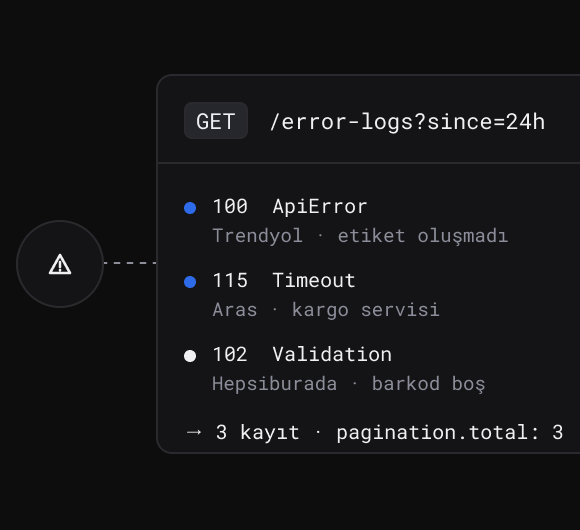
Integration and marketplace error logs, read with the code, the message and the related record.
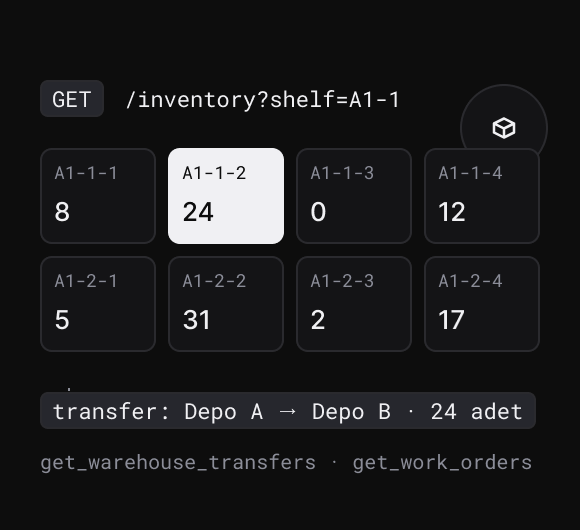
Bin-level stock, warehouse transfers, count lists and work orders: warehouse data under the same key.
Every channel, already connected.
Marketplaces, e-commerce platforms, carriers, pre-accounting, ERP and 3PL: more than a hundred integrations in the same panel.
All integrations →













































































Your own systems, running on Pixa’s data. Products, stock and orders from one endpoint.
Start freeNew features every week. The roadmap follows what our customers’ operations actually need.
See all →Ecza1 mağazanızı Pixa'ya bağlayın, ürün, stok, fiyat ve siparişlerinizi tek yerden yönetin.
Ciro, ürün ve kârlılık analizleriniz tek ekranda; her tabloyu Excel'e alın.
Ürün fotoğrafınızdan sanal modelli ve lifestyle görseller üretin.
Alibaba.com mağazanızı Pixa'ya bağlayın, sipariş ve stoğu tek yerden yönetin.
Frequently asked
questions
You generate an account-scoped key in the panel and send requests with an Authorization header. The key only reaches your own account’s data.
Products and variants, bin-level stock, orders, shipping, invoices, returns, marketplace catalogues, integrations, logs and reports.
Yes. A read key fetches data; endpoints that change products, stock, orders or prices require the write scope.
With limit and offset, or page; every list response returns the real record count in pagination.total.
The real bin-level stock in the warehouse. Use the inventory endpoints rather than the legacy field on the product; reserved, blocked and damaged quantities come back separately.
Yes: push stock, push prices, pull orders, push or pull products, match products, update categories and pull returns. The job runs in the background and you follow the result in the marketplace and product logs.
From the integration, product and process log endpoints; the order diagnostics endpoint gives the whole picture for a single order.
Filter the order list with invoiced=false; invoice documents are also listed from the invoice endpoint.