













INTEGRATIONS / OPLOG

Oplog Integration

Connect your Oplog warehouse to Pixa, and orders, stock, shipping and returns flow both ways with the outsourced warehouse.

Start free
CAPABILITIES

The warehouse is Oplog, the operation is in Pixa. Every step from order to delivery runs from one panel.

Order #4558903Trendyol
RuleTrendyol → Oplog
WarehouseOplog · Istanbul
Oplog no.OP-118441
StatusSent · 08:12
Cancellations and returns run the same way
You never log into the 3PL panel.

Order handover.

An order from your channels is sent to Oplog if it matches the rule, and the Oplog reference is written to the order.

Stock · from Oplog30 min
ProductOplogCentralChannels
Kilburn III12024144
Emberton II60060
Acton III01212
Last pull08:30 · 412 products
Pixa sends the total to the channels.

Stock sync.

Stock at Oplog is pulled every half hour, added to your central warehouse and sent to the channels by Pixa.

Order #4558903Oplog
Preparing08:20
Packed09:05
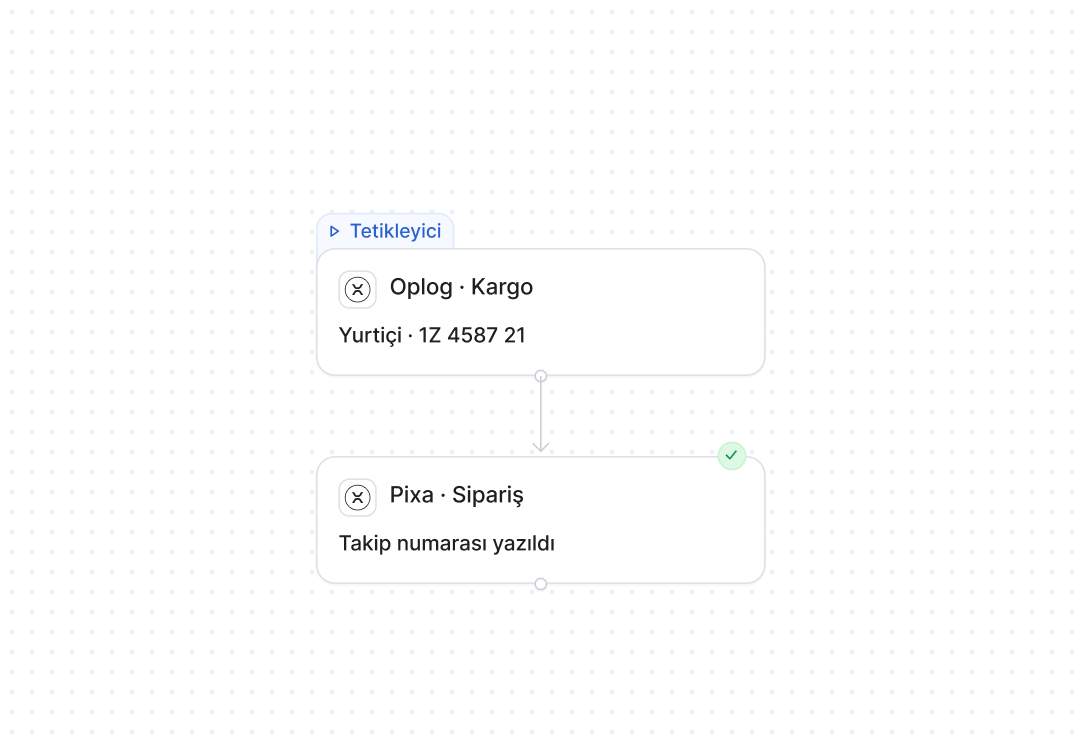
Handed to carrierYurtiçi · 5911002
Written to the marketplace09:07
The customer sees the tracking code on the channel.

Shipping details.

When Oplog hands the parcel over, the carrier and tracking number come back to the order and are written to the channel.

Kilburn III144 in total
Oplog · Istanbul120
Central Warehouse24
Hepsilojistik0
The channel sees the total; you see each warehouse.

Stock per warehouse.

Oplog, your central warehouse and any others are shown separately per product, while the channel sees the total.

Return #4558903Oplog
Return approved on the channel11 Sep
Return reported to Oplog11 Sep
Item arrived at the warehouse13 Sep
Stock written to Oplog+1
The return record is matched inside Pixa.

Returns coming back.

A return approved on the channel is reported to Oplog, and stock is written there when the item arrives.

Warehouse Prioritykural
1 · Oplog · Istanbulfirst
2 · Central Warehousenext
3 · Hepsilojistikif in stock
Platform ruleTrendyol → Oplog
Chosen once, then it runs itself.

Warehouse priority.

Which warehouse fulfils which order is set by a rule, which can be defined per channel.

AUTOMATION

Oplog automations. Order, stock, shipping and return flows are set up in the panel, and Pixa runs them.

A live automation in three steps. Choose it. Configure it. Connect it.

Choose it from the list.

Prebuilt automations are chosen from a list; nothing is built from scratch.

My Automations
Stock sync15 min
TrShHe
InvoicingInstant
ShNe
Product pushNightly
NeShTr
+ Create

Set the rule in one panel.

You choose the trigger, the condition and the timing on one screen, and the rule starts working for orders going to Oplog the moment you save it.

Trigger
Pixa
Order landed · Trendyol
Pixa · Oplog
Order sent to Oplog

One channel, or all of them.

The same rule applies to Oplog alone or to every connected warehouse, and a new warehouse joins its scope automatically.

Send to ChannelNot linked · 24
Marshall Kilburn IIIReady
Emberton IIReady
Acton IIIReady
Result21 listed · 3 in review
Send to Trendyol
My Automations
Stock sync15 min
TrShHe
InvoicingInstant
ShNe
Product pushNightly
NeShTr
+ Create
Trigger
Pixa
Order landed · Trendyol
Pixa · Oplog
Order sent to Oplog
Send to ChannelNot linked · 24
Marshall Kilburn IIIReady
Emberton IIReady
Acton IIIReady
Result21 listed · 3 in review
Send to Trendyol
Connections

Your outsourced warehouse, connected.

Oplog, Fi Commerce, Hepsilojistik and Amazon Logistics (FBA), and any other fulfilment partner you work with, all through the same path.

All integrations →


TrendyolHepsiburadaN11AmazonÇiçeksepetiPazaramaNovadanOzonTemuKoçtaşTeknosaLCWAIKIKIFLOBoynerModanisaBeymenePttAvmIdefixFarmazonEcza1HipiconMilagronToptan TRAkakçeUnishopShopifyİkasWooCommerceTsoftProjesoftIdeasoftAkinonFaprikaMagentoTicimaxArgenovaYurtiçi KargoAras KargoDHLNavlungoHepsijetBOVO KargoKolay GelsinCarrtellTime KuryeBolt KargoPTSKargolaSürat KargoInterline ExpressCeva LogisticsPackuppKargoistPttUpsScottyParaşütTrendyol e-FaturamDigital PlanetHepsiburada E-FaturamQNB FinansbankBizimHesapBillbeeE-Logo FaturaSAPLogo TigerNebim V3CaniasDiaMikroGiz ERPOplogHepsiLojistikSlackMicrosoft TeamsA101 MarketDHL/MNG kargoFi CommerceMediamarktPlatin MarketTrendyol International & Mikro İhracatAliExpressHepsi GlobalSefamerveTrendyolHepsiburadaN11AmazonÇiçeksepetiPazaramaNovadanOzonTemuKoçtaşTeknosaLCWAIKIKIFLOBoynerModanisaBeymenePttAvmIdefixFarmazonEcza1HipiconMilagronToptan TRAkakçeUnishopShopifyİkasWooCommerceTsoftProjesoftIdeasoftAkinonFaprikaMagentoTicimaxArgenovaYurtiçi KargoAras KargoDHLNavlungoHepsijetBOVO KargoKolay GelsinCarrtellTime KuryeBolt KargoPTSKargolaSürat KargoInterline ExpressCeva LogisticsPackuppKargoistPttUpsScottyParaşütTrendyol e-FaturamDigital PlanetHepsiburada E-FaturamQNB FinansbankBizimHesapBillbeeE-Logo FaturaSAPLogo TigerNebim V3CaniasDiaMikroGiz ERPOplogHepsiLojistikSlackMicrosoft TeamsA101 MarketDHL/MNG kargoFi CommerceMediamarktPlatin MarketTrendyol International & Mikro İhracatAliExpressHepsi GlobalSefamerve
API. MCP.
Connect with Pixa.

Trust is built in. Defined permissions. Prebuilt setups. Traceable actions.

Role-based permissions.

Each user only sees and changes what they are authorised for.

Prebuilt setups.

Proven setups work from day one, with nothing to build from scratch.

Every action is logged.

Who made each change, when and why is on record.

Three details specific to Oplog. Product push, expiry dates, cancellations.

Send to OplogNew · 3
Marshall Kilburn IIIReady
Emberton IIReady
Acton IIIReady
Result412 matched · 3 new
Send to Oplog

Products go to Oplog.

Pixa records are sent to Oplog by barcode and SKU, so you never create the product twice.

Expiry · OplogNightly
ProductBatchQuantityExpiry
Kilburn IIIL24091202027-03
Emberton IIL2411602026-12
Acton IIIL2405122026-10
Warning1 product · 60 days
Anything nearing its date is flagged.

Expiry dates.

Batch and expiry dates are pulled from Oplog each night, and stock nearing expiry is flagged.

Status SyncTwo-way
CancelledTrendyol → Oplog · 10:12

PackedOplog → Pixa · 14:20

Return reportedPixa → Oplog · yesterday
Whichever side changes, the other updates at the same time.

Cancellations and returns to Oplog.

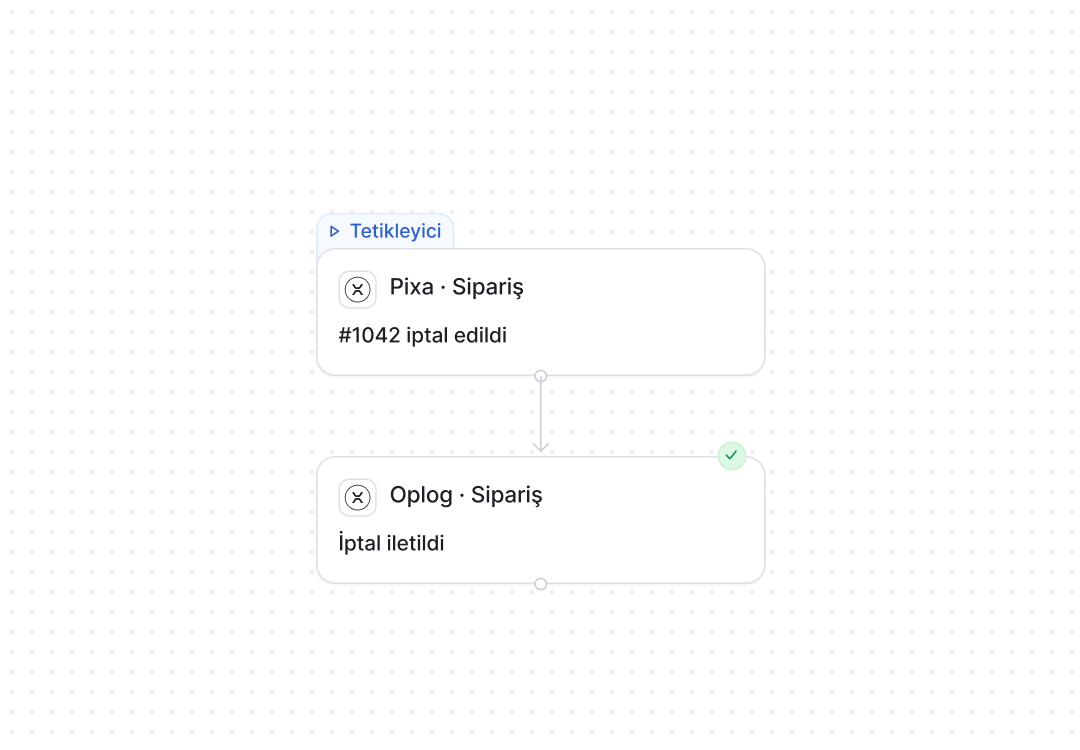
An order cancelled on the channel is cancelled at Oplog too, and returns are reported there.

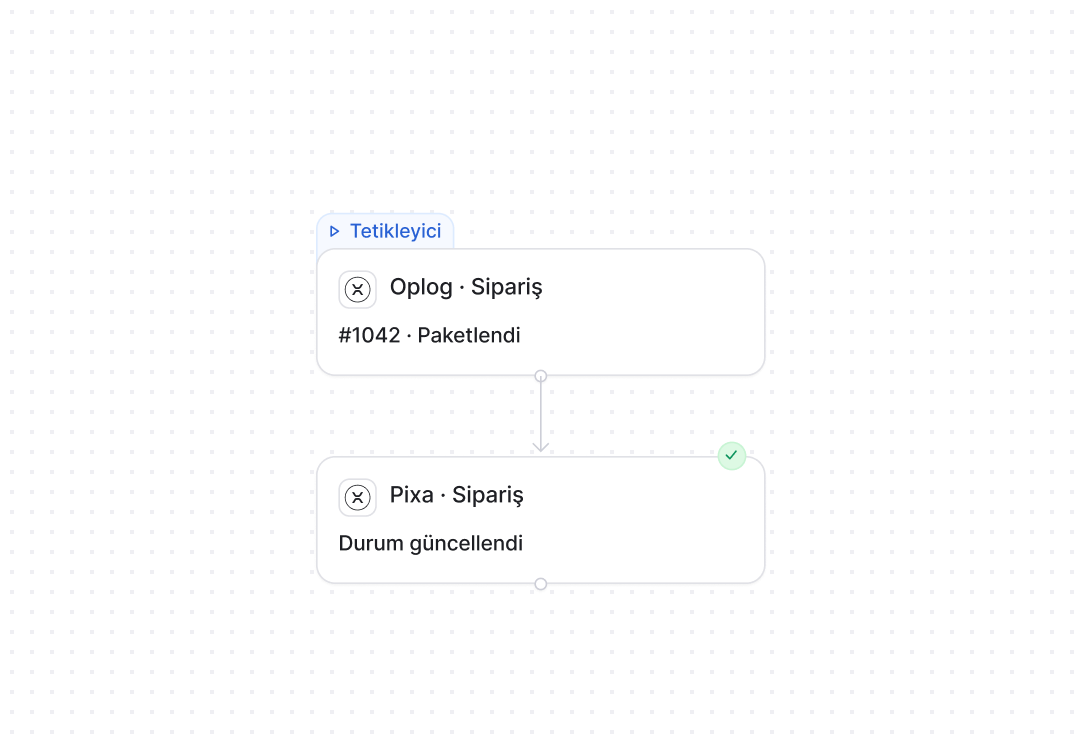
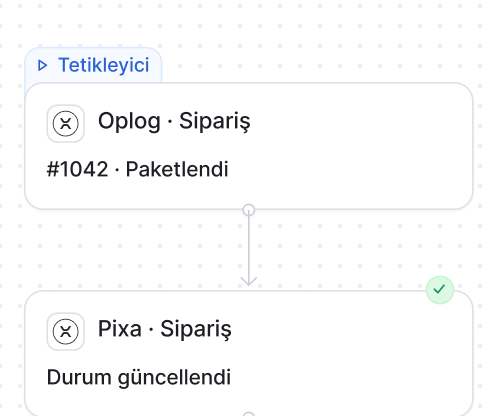
Oplog automations. The rule is yours, the steps are Pixa’s.

Send Order

An order from your channels is sent to Oplog if it matches the rule, and the Oplog reference and status are written to the order.

How it works
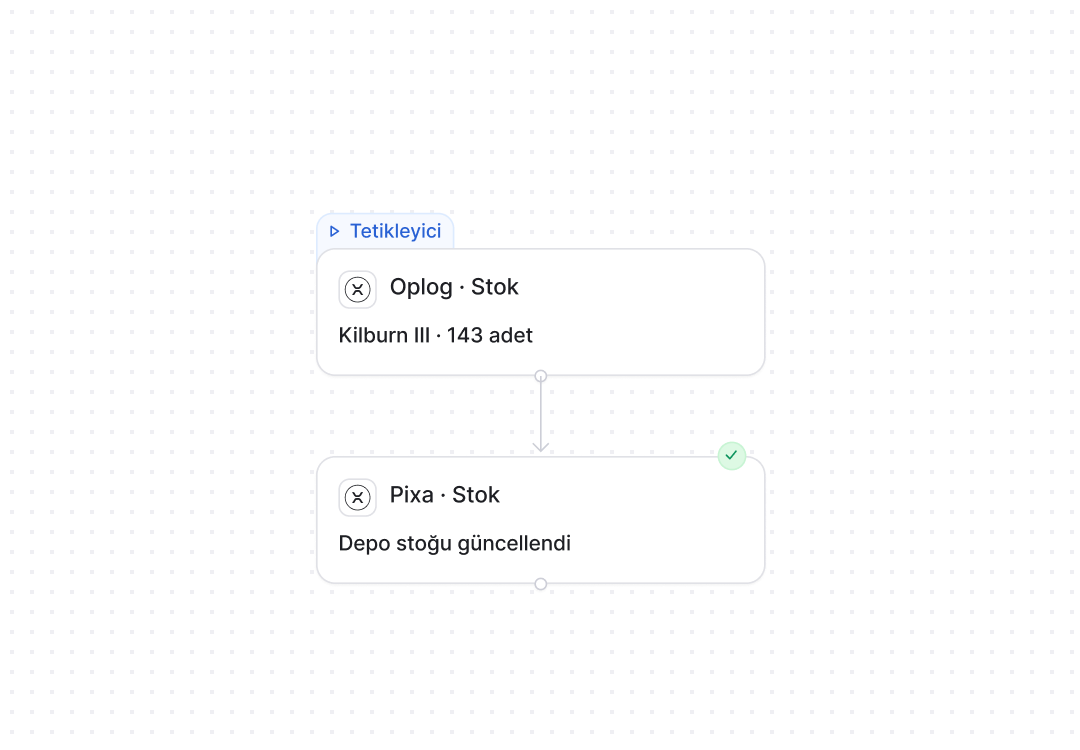
Trigger
Pixa
Order landed · Trendyol
Pixa · Oplog
Order sent to Oplog
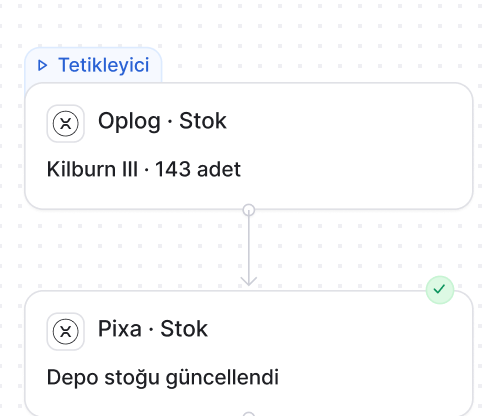
Trigger
Pixa
Order landed · Trendyol
Pixa · Oplog
Order sent to Oplog

Frequently asked
questions

Choose Oplog in the Market and enter your account details; the connection is tested and products are sent to Oplog by barcode and SKU.

Those matching the warehouse priority rule, which can be set per channel or per product; they are sent the moment they land.

Every half hour. It is added to your central warehouse stock and sent to the channels by Pixa.

Yes. When Oplog hands the parcel over, the carrier and tracking number come back to the order and are written to the channel.

Yes. Oplog, your central warehouse and any others are shown separately per product, while the channel sees the total.

Yes. An order cancelled on the channel is cancelled at Oplog too, and an approved return is reported there.

Yes. Batch and expiry dates are pulled from Oplog each night, and stock nearing expiry is flagged.

Yes. Fi Commerce and Hepsilojistik are ready connections, and several outsourced warehouses run in the same panel.

Integration, automation, warehouse and
AI solutions.

Destek
Genellikle bir saat içinde yanıt verir

Destek
Merhaba 👋

Size nasıl yardımcı olabiliriz?
×