























Logo Integration
Connect Logo Tiger and Logo Go to Pixa, and product records, stock, prices, orders and invoices flow both ways.
Start freeProducts and stock live in Logo, selling happens in Pixa. Every step from product record to invoice runs from one panel.
Product record transfer.
Logo product records are pulled into Pixa, barcodes and variants are matched, and new records arrive the same way.
Stock pull.
Warehouse stock is pulled from Logo within minutes, and a sale also deducts stock in Logo.
Price lists.
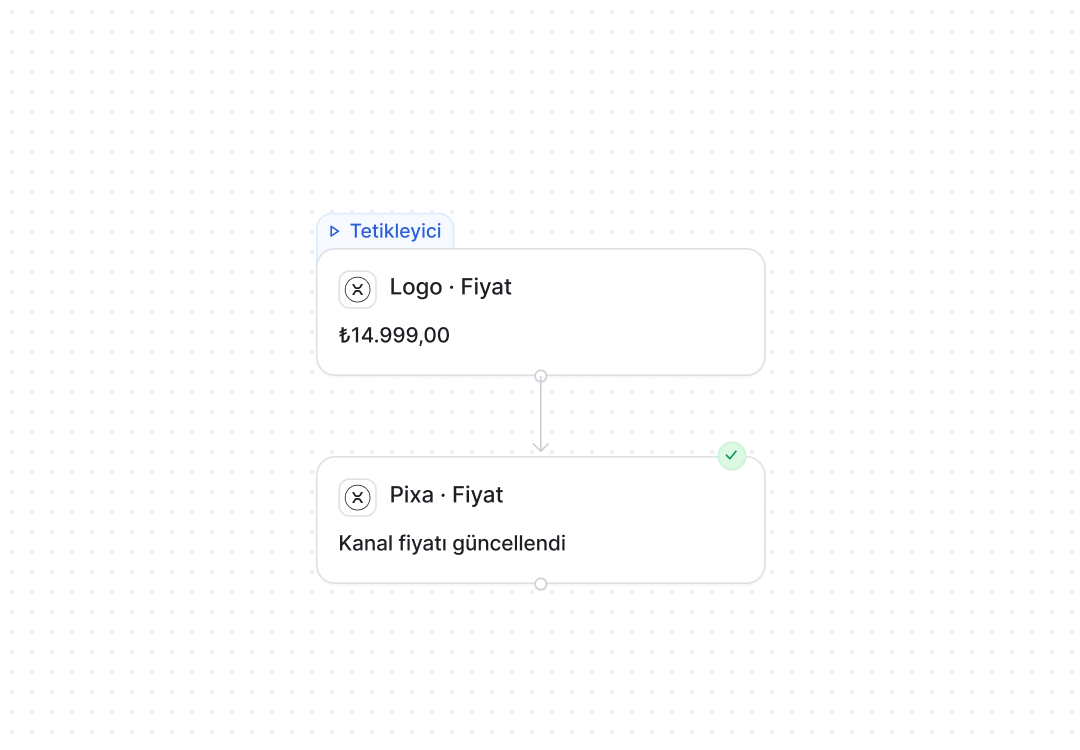
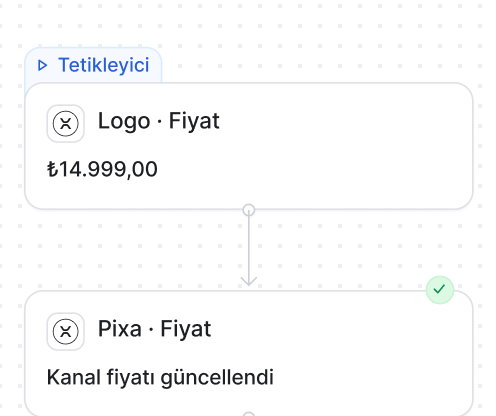
List and campaign prices from Logo are imported into Pixa, and the per-channel price rule is built on top of them.
Order transfer.
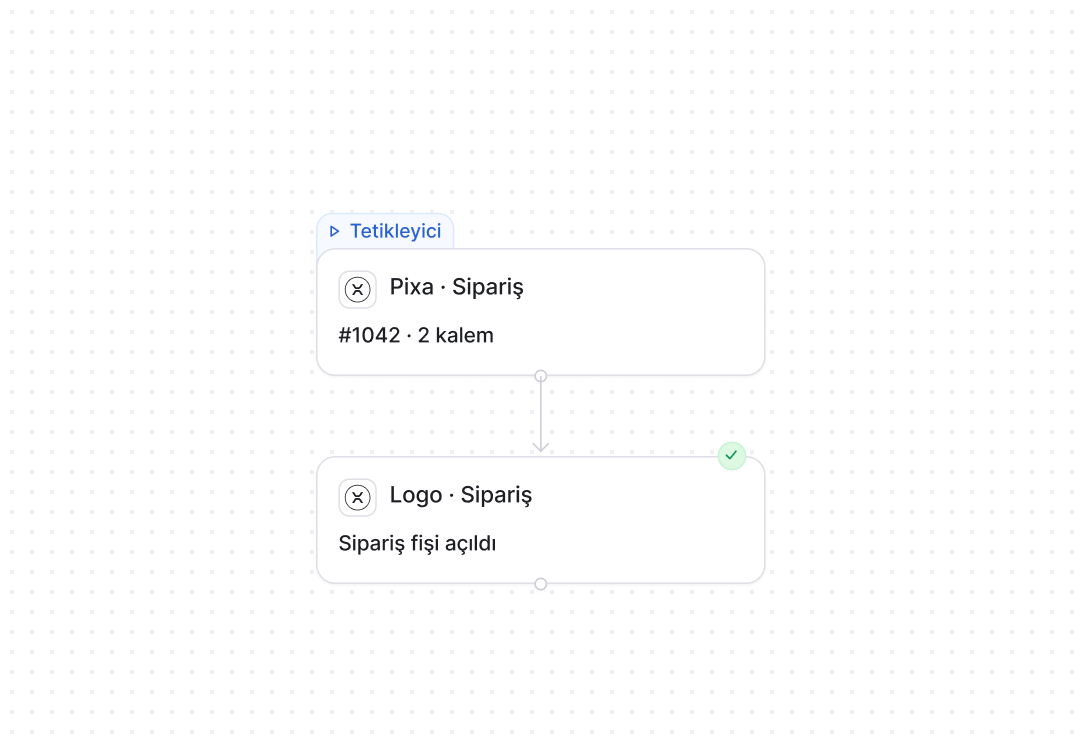
An order from your channels becomes a sales order in Logo, matched to a customer account by your rule.
Invoices and delivery notes.
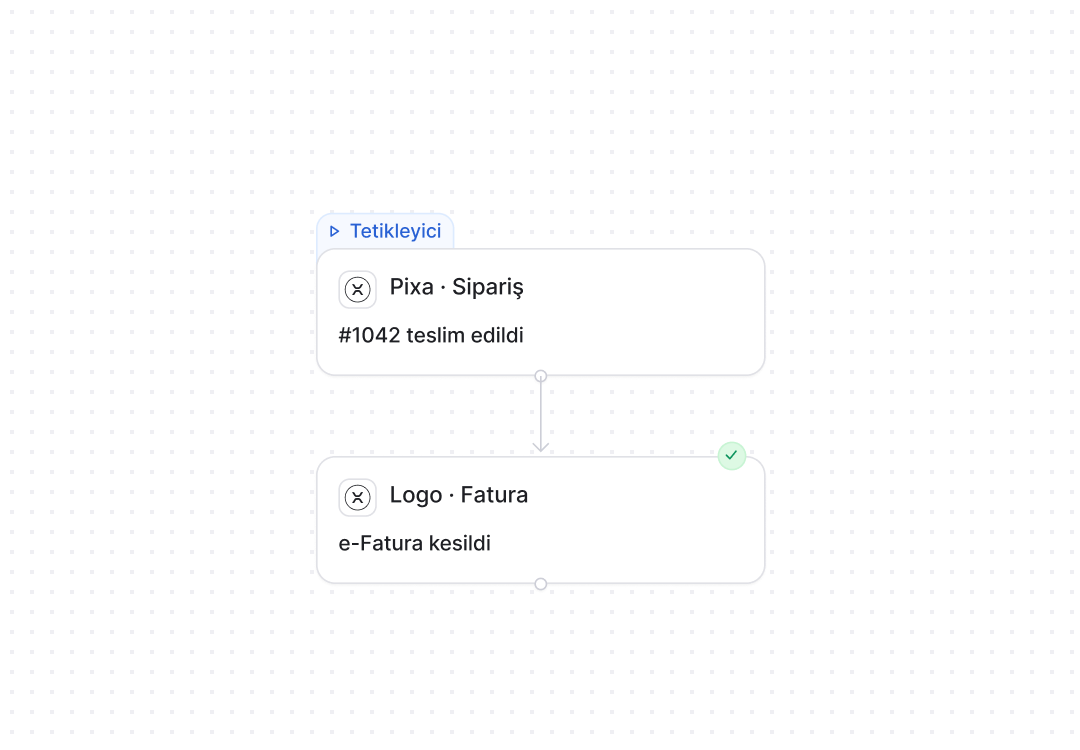
The invoice is issued in Logo or triggered from Pixa, and the delivery note and invoice number are written to the order.
Returns.
A return approved on the channel becomes a credit note in Logo, and stock goes back into the warehouse.
Logo automations. Product, stock, price, order and invoicing flows are set up in the panel, and Pixa runs them.
A live automation in three steps. Choose it. Configure it. Connect it.
Choose it from the list.
Prebuilt automations are chosen from a list; nothing is built from scratch.
Set the rule in one panel.
You choose the trigger, the condition and the timing on one screen, and the rule starts working for Logo transfers the moment you save it.
One channel, or all of them.
The same rule applies to Logo alone or to every connected channel, and a new channel joins its scope automatically.
Your ERP, connected.
Logo, Nebim V3, Mikro, Dia, Canias, GİZ ERP, SAP and the other systems your team works in.
All integrations →



















































Trust is built in. Defined permissions. Prebuilt setups. Traceable actions.

Role-based permissions.
Each user only sees and changes what they are authorised for.

Prebuilt setups.
Proven setups work from day one, with nothing to build from scratch.

Every action is logged.
Who made each change, when and why is on record.
Three details specific to Logo. Warehouses, accounts, REST.
Stock per warehouse.
You choose which warehouse feeds which channel, either the total or a single one.
Account rule.
Marketplace orders go to a pooled account and store orders to the customer’s own account: the rule is yours.
Live over Logo REST.
Tiger 3 and Go 3 connect over REST, and older versions run the same flow over a SQL connection.
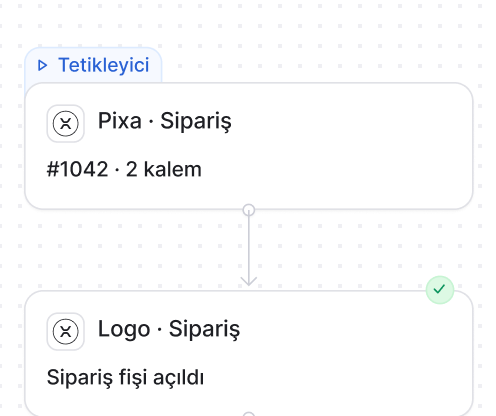
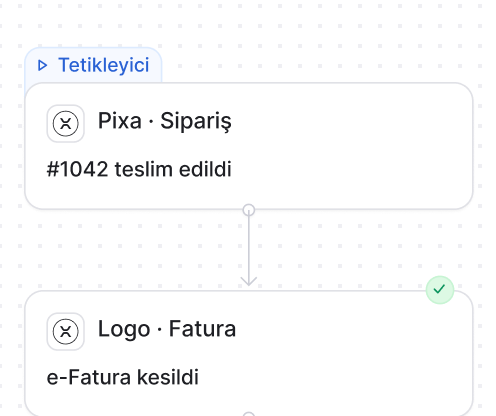
Logo automations. The rule is yours, the steps are Pixa’s.

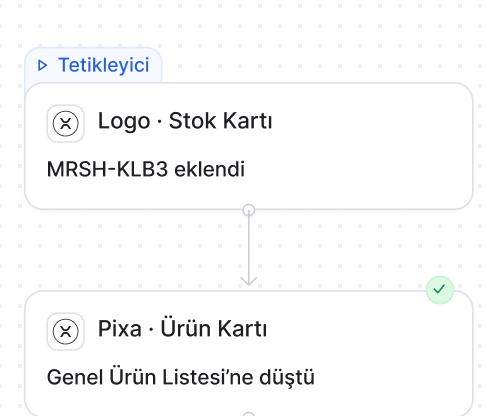
Warehouse stock is pulled from Logo every ten minutes, the changed quantity goes to the channels, and a sale also deducts it in Logo.
How it works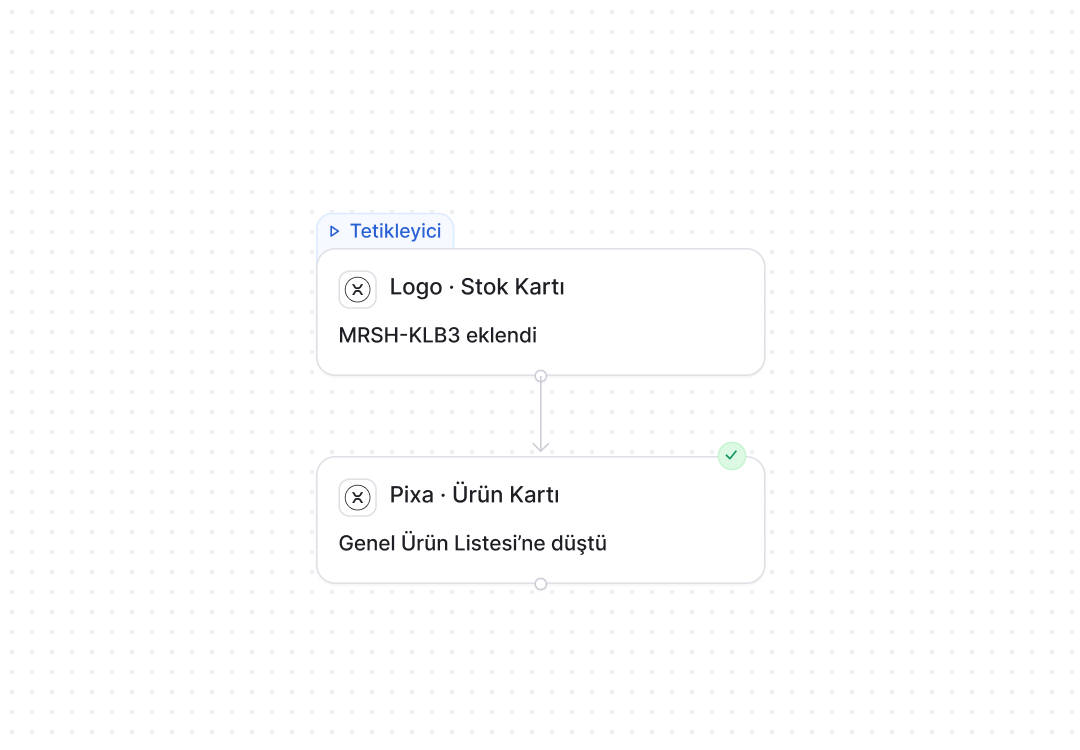
Frequently asked
questions
Yes. Tiger 3 and Go 3 connect over REST, and older versions join the same flow over a SQL connection.
Yes. Logo product records are pulled into Pixa, barcodes and variants are matched, and new records arrive the same way.
Warehouse stock is pulled every ten minutes, and a sale also deducts stock in Logo.
An order from your channels becomes a sales order in Logo, matched to an account by your rule, and its number is written back to the order.
Marketplace orders go to a pooled account and store orders to the customer’s own account: the rule is yours.
Yes. It is issued in Logo or triggered from Pixa, and the delivery note and invoice number are written to the order.
Yes. You choose which warehouse feeds which channel, either the total or a single one.
Yes. Where REST isn’t available, the same flow runs over a SQL connection.