






















DHL Integration
Connect your DHL account to Pixa and manage shipments, labels, tracking and delivery status in one panel.
Start freeThe carrier is DHL, the operation is in Pixa. Every step from label to delivery runs from one panel.



Creating shipments.
When the order is ready the DHL shipment is created from Pixa, with the recipient and volumetric weight sent automatically.
Label printing.
The DHL label is produced as a PDF in the panel and printed one at a time or in bulk, straight to the printer.
Tracking number.
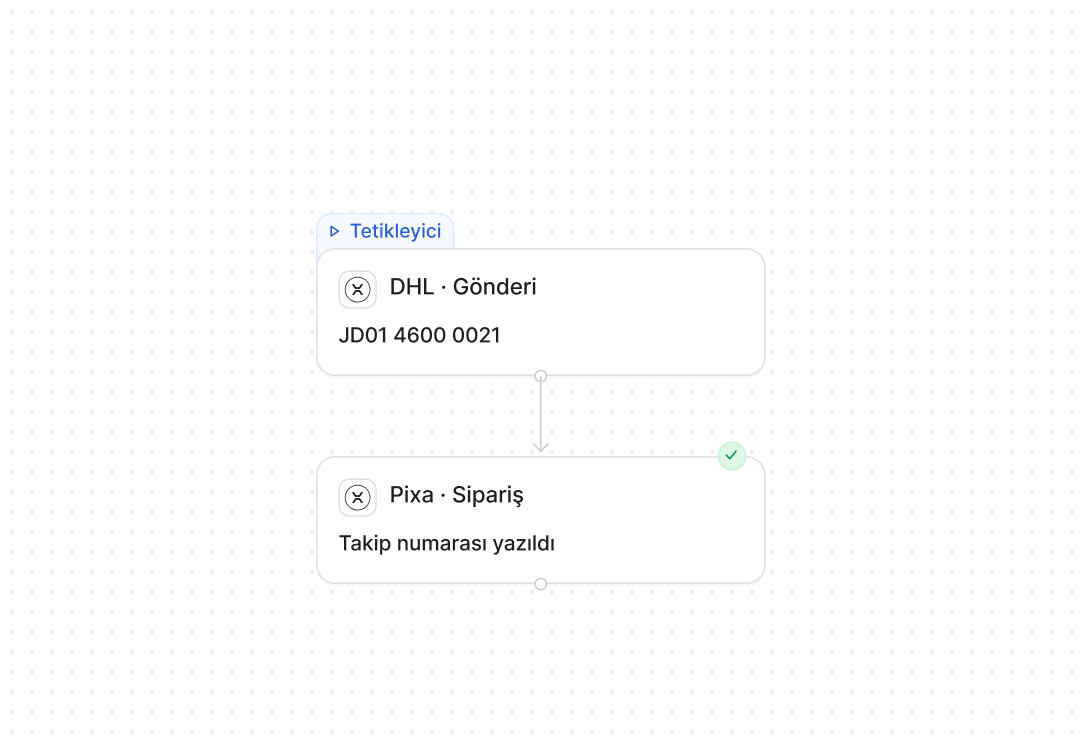
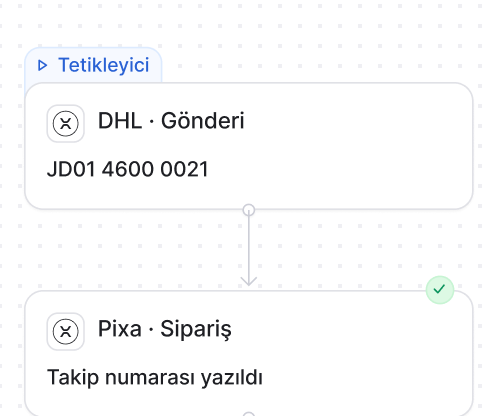
The DHL tracking number is written to the order and passed to the sales channel, where the customer follows the parcel.
Shipment status.
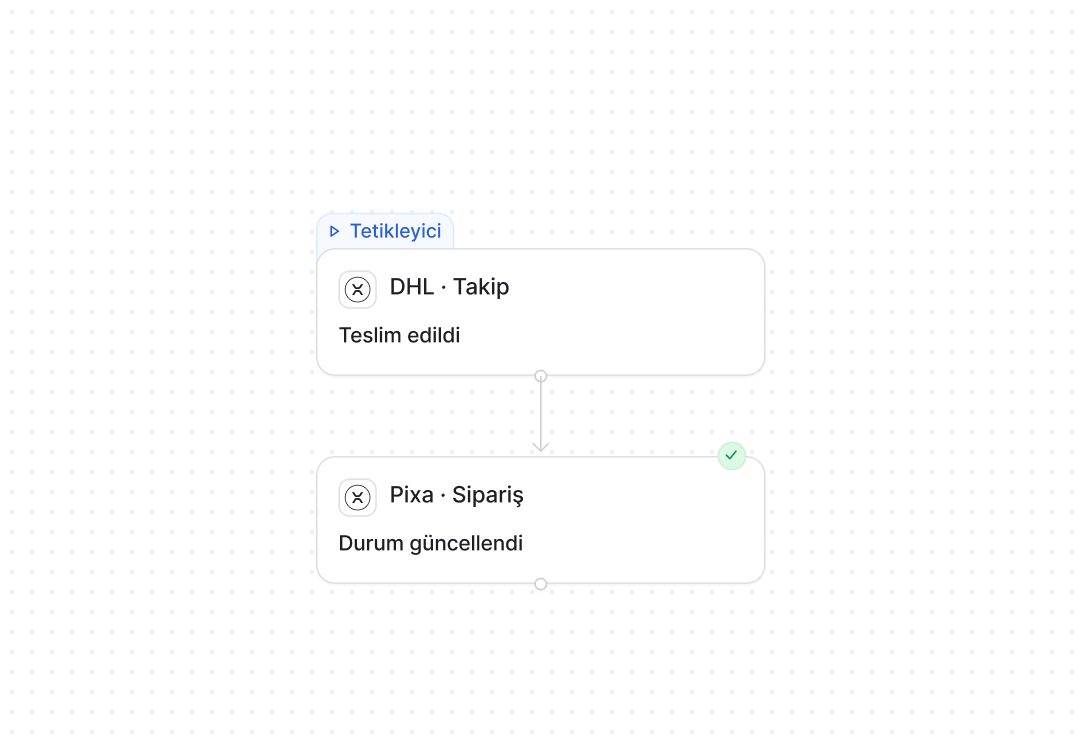
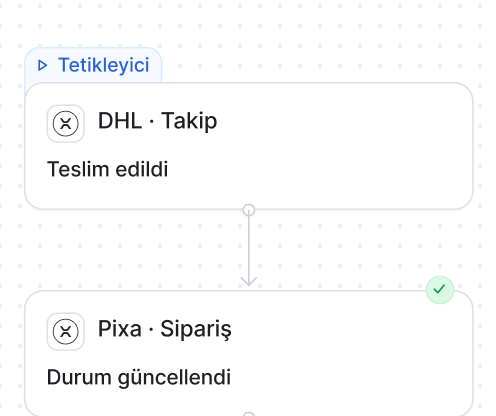
In transit and delivered are pulled from DHL, and the order and the channel update together.
Carrier movements.
Shipment movements are listed on the order, and delays and return exceptions are flagged in the panel.
Volumetric weight and parcels.
Parcel dimensions and volumetric weight are calculated from the order, and several parcels ship under one consignment with separate labels.
DHL automations. Shipment, label, tracking and status flows are set up in the panel, and Pixa runs them.
A live automation in three steps. Choose it. Configure it. Connect it.
Choose it from the list.
Prebuilt automations are chosen from a list; nothing is built from scratch.
Set the rule in one panel.
You choose the trigger, the condition and the timing on one screen, and the rule starts working for DHL shipments the moment you save it.
One channel, or all of them.
The same rule applies to DHL alone or to every connected carrier, and a new carrier joins its scope automatically.
Your carrier, connected.
DHL, Aras, MNG, Yurtiçi, Sürat, PTT, UPS, Hepsijet and any other carrier you work with, all from one panel.
All integrations →




























































Trust is built in. Defined permissions. Prebuilt setups. Traceable actions.

Role-based permissions.
Each user only sees and changes what they are authorised for.

Prebuilt setups.
Proven setups work from day one, with nothing to build from scratch.

Every action is logged.
Who made each change, when and why is on record.
Three details specific to DHL. Cross-border, contracts, returns.
The same label for export.
A DHL Express shipment for a cross-border order is created from the same screen.
The contract is yours.
Your DHL account number is configured, so rates and service level follow your own agreement.
Return labels.
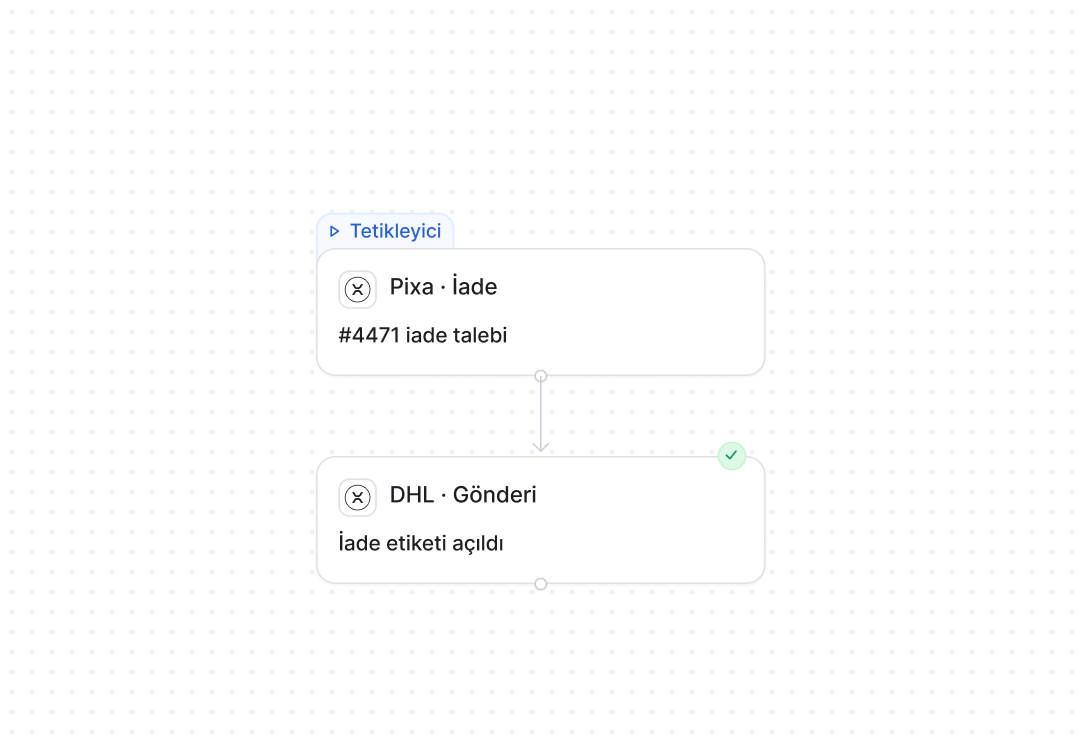
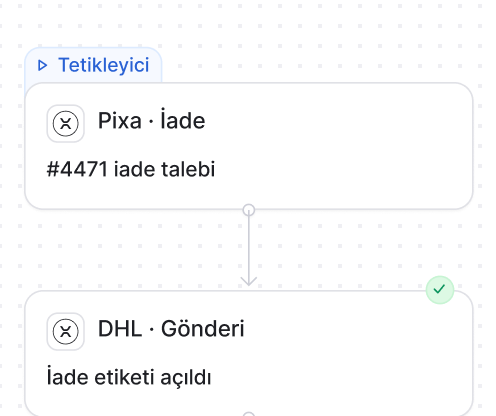
When a return is approved a DHL return label is produced, and stock is written back when the item reaches the warehouse.
DHL automations. The rule is yours, the steps are Pixa’s.

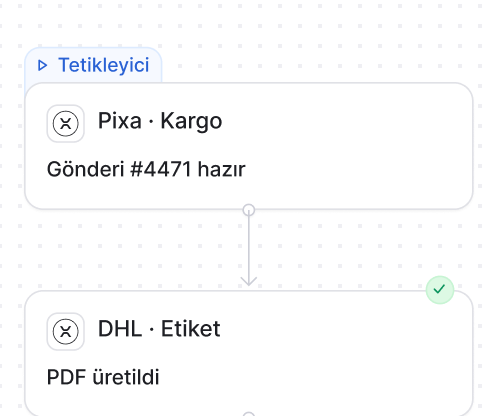
When the order becomes Ready the DHL shipment is created on its own, the label PDF is attached to the order and the tracking is written.
How it works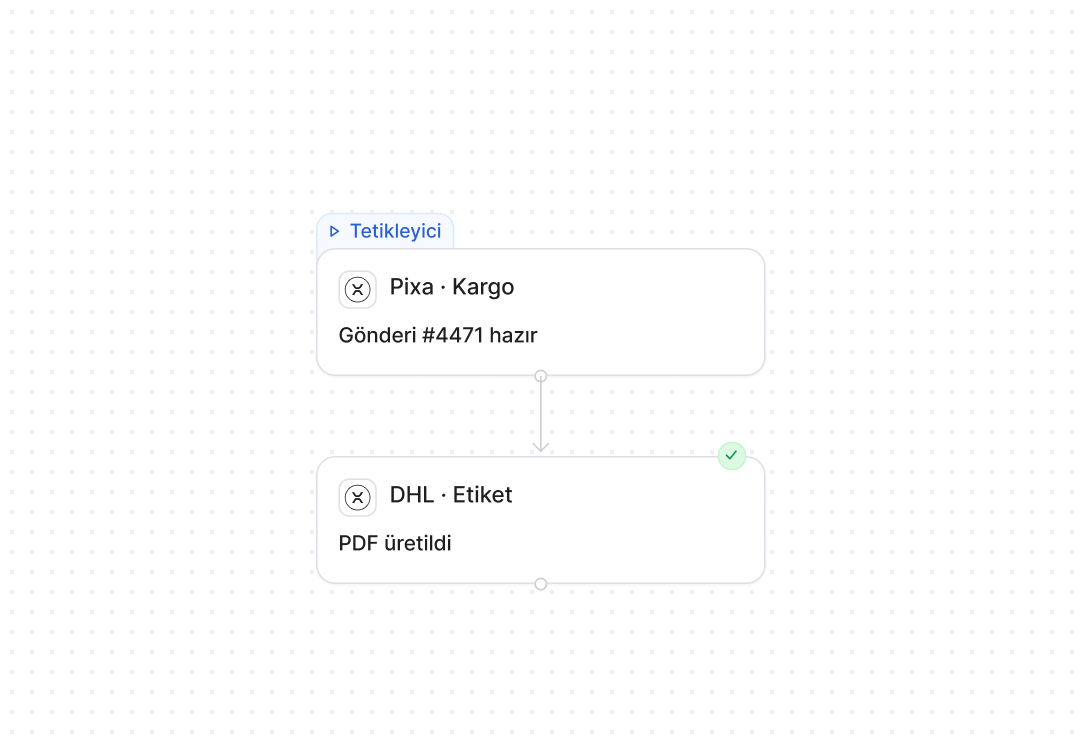
Frequently asked
questions
Choose DHL in the Market and enter your account number and API details; the connection is tested and shipments are created under your own contract.
Yes. DHL labels for the selected orders are produced in a single PDF and sent straight to the printer.
Yes. It is written to the order and passed to the marketplace or your store, where the customer follows the parcel.
In transit and delivered are pulled from DHL at regular intervals, and the order and the channel update together.
Yes. A DHL Express shipment for a cross-border order is created from the same screen.
Yes. Your DHL account number is configured, so rates and service level follow your own agreement.
Yes. When a return is approved a DHL return label is produced, and stock is written back when the item arrives.
Yes. A rule sets which channel ships with which carrier, and the carrier is changed on an order with one click.